
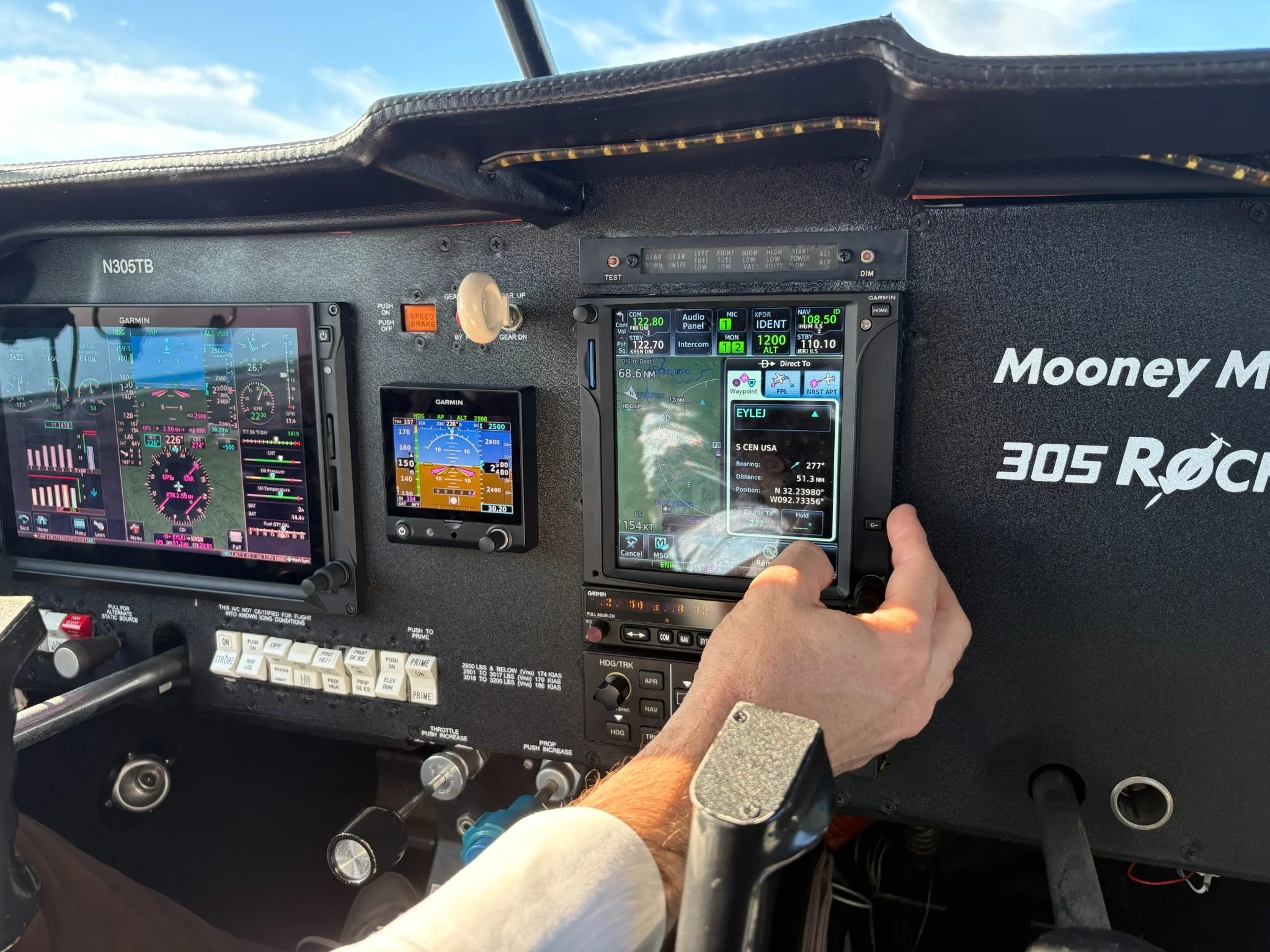
You can finish a simulator session with better-looking numbers and still rehearse a habit that makes the next flight lesson harder. Maybe you're staring at the instruments during a visual maneuver, fighting poorly calibrated controls, or hitting reset before deciding what to do next. These are flight simulator bad habits worth catching early.
You can still enjoy the simulator for fun. When you're using it for training, though, give yourself a clear assignment and pay attention to how you get the result. That's what you'll want to discuss with your instructor.
These checks apply to MSFS, X-Plane, and Prepar3D. Review the assistance, stability, realism, and control settings available in your chosen platform and aircraft model. Similar-looking settings can affect the exercise differently.
Looking only where the screen rewards you
It's easy to keep your eyes on the instruments when the numbers give you immediate feedback. A narrow monitor view can make outside references harder to use, too. Your altitude may look steady while you're practicing an attention pattern your instructor will need to correct in the airplane.
Set up a view that lets you use the outside references and scanning method your CFI teaches for visual maneuvers. If you're practicing instruments, use your CFII's cross-check instead. Be clear about which task you're doing before you begin.
A performance trace can't independently prove that you looked outside or scanned for traffic. Put that observation in your notes and discuss it during instruction.
Learning the controller instead of the aircraft task
If a small control movement produces an erratic response, check the bindings, calibration, sensitivity, and simulator performance first. Otherwise, you could spend the session learning to compensate for faulty equipment with large inputs.
Once you start comparing attempts, leave the settings alone. If you need to adjust them, note the change and start a new comparison. Making the controls easier to manage may fix the setup, but it isn't evidence by itself that your flying improved.
Even a well-configured desktop controller differs from actual aircraft forces. Use the simulator to examine sequencing and response, and let the airplane teach the physical handling under instruction.
Resetting before the decision
Reset is useful when you want another attempt from the same starting point. The trouble comes when you reach for it every time something goes wrong, before practicing the decision your instructor wants you to make.
Decide with your instructor where the attempt should end. If you're practicing an approach decision, recognizing an unstable condition and carrying out the instructed discontinuation in the simulator may be the point of the exercise. Resetting there would skip the very behavior you're trying to learn.
Save the attempt before resetting when possible. A poor result with a clear explanation can be more useful than the attractive final attempt that hides all the earlier decisions.
Check how much the software is helping
Assistance can help you get comfortable with unfamiliar software. Just know what it's doing. If an aid coordinates the turn or manages power, you can't use the result to judge your independent handling of that function.
You don't have to turn every aid off. Check the one that affects your assignment and either remove it or account for it in the review. If the assignment is learning to operate the autopilot, then automation belongs in the session.
Trusting the simulation as an aircraft reference
Before memorizing a checklist or avionics sequence, compare it with your aircraft documents and instructor's guidance. The simulated version may differ. It's much easier to resolve that now than to unlearn a familiar but incorrect sequence later.
For example, if the simulator accepts a configuration change that your actual aircraft procedure doesn't permit, don't use the simulator's acceptance as evidence that the action is appropriate. Record the difference and choose a narrower exercise.
The FAA Airplane Flying Handbook is an instructional reference, while aircraft-specific limitations and procedures must come from the applicable aircraft documents. A home model doesn't replace either.
Confusing easy conditions with general proficiency
Simple weather and a familiar starting point help you focus on one skill. Once you can repeat it reliably, ask your instructor which single change to add. You haven't yet found out how that skill holds up in every condition.
Avoid increasing difficulty simply to make the exercise exciting. A new weather condition, aircraft model, and failure scenario introduced together may reveal only that the workload became excessive. A deliberate change gives the debrief a clearer question.
Use the data to understand what happened
If the same deviation keeps appearing, use it as a place to investigate. Was the technique the issue, or did a view change, pause, control adjustment, or interruption affect the attempt? Your notes can help explain something the graph alone can't.
Don't infer eye movement or control pressure from a performance graph. Unless the relevant input is recorded, the graph shows the outcome rather than the pilot's exact action. A CFI observing the session may see something the record can't capture, such as attention staying on one instrument throughout a visual task.
Try describing it this way: "Heading changed while I was operating the checklist; I didn't notice until I looked back." Your instructor can work with that. "The software says I have a bad scan" skips the explanation you still need to work out together.
Work through the habit with your instructor
If your instructor spots an unhelpful habit, here's a way to work through it together:
- Describe the behavior your instructor observed.
- Identify which part of the home setup rewards that behavior.
- Correct the setup or narrow the assignment.
- Rehearse the desired response slowly enough to explain it.
- Ask the instructor to check the response again in the aircraft.
Before your next session, check the assignment, controls, assistance, and reference procedure. Then look at how you got the result. Catching one unhelpful habit now gives you a specific change to discuss with your instructor.
Frequently Asked Questions
Should I stop using a home simulator if I develop a bad habit?
Stop the exercise that's reinforcing it and discuss a replacement with your instructor. Other suitable assignments may remain useful.
Is pausing always bad?
No. It can support explanation and review. Identify paused practice honestly, then use uninterrupted attempts when continuity is the learning goal.
Can a good score hide a poor habit?
Yes. The outcome may look good despite inappropriate attention, assistance, or technique. Review how you achieved