Built to support your instructor — not replace them.
THE TRAINING GAP
The best time to fix a mistake is right after it happens
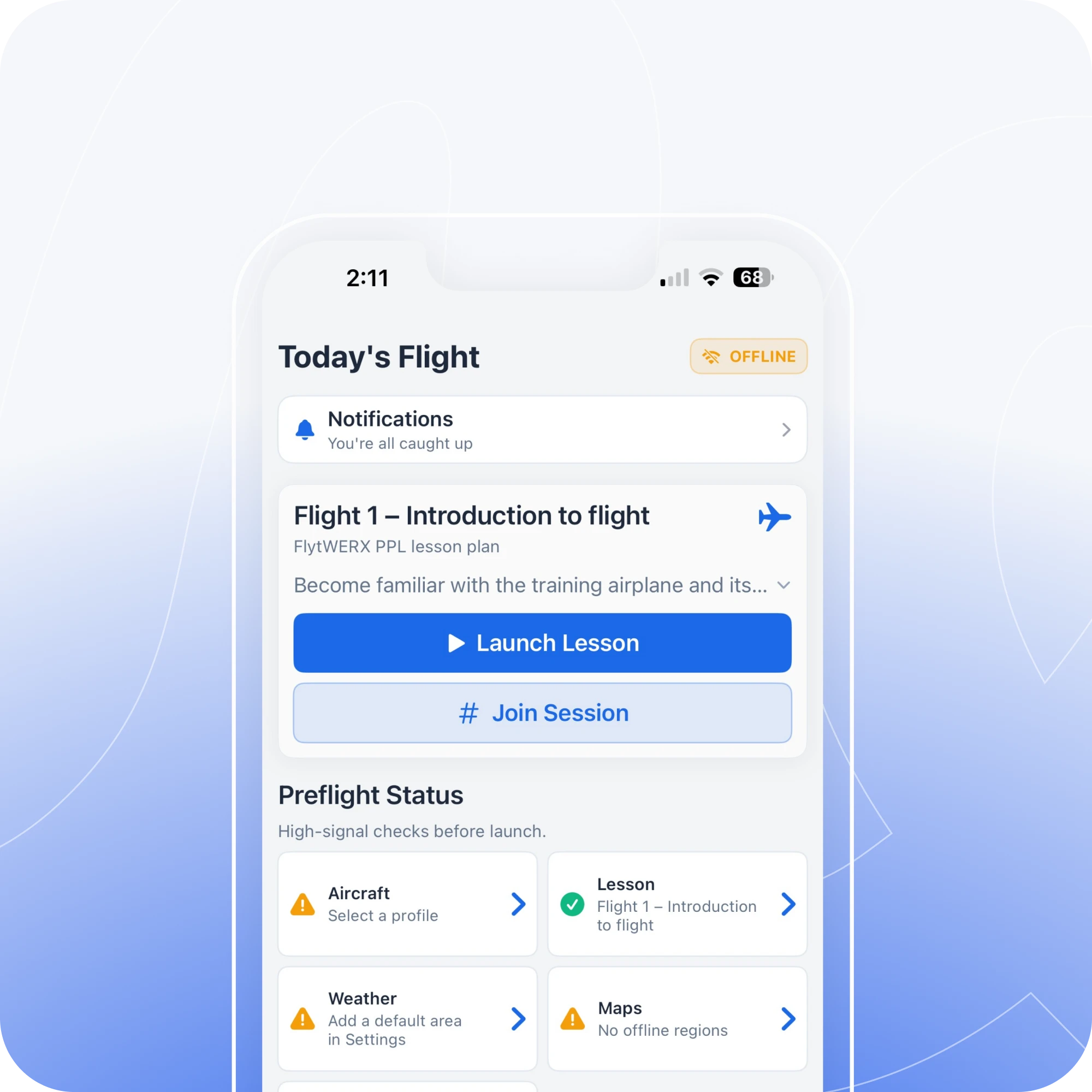
You finish a maneuver, but something was off. By the time you are back on the ground, the moment is already fading. FlytWERX helps you review it while it is fresh, using real flight data to correct it on the next rep.
A Tighter Training Loop
See it. Fix it. Fly it Again.
Flight training improves faster when feedback and correction happen close together. FlytWERX helps turn a normal lesson into a tighter training loop
1
Fly the maneuver
2
See what happened
3
Understand the correction
4
Try it again while it is still fresh
Immediate Feedback
Correct the issue while it is fresh
Do not wait until the post-flight debrief to understand what went wrong. FlytWERX helps your instructor give quick, useful feedback when the moment still matters.
1
Know what happened
Review real flight data, maneuver performance, flight path, altitude trends, heading control, and training history.
2
Make the next rep better
Instead of hearing “try that again,” you can understand what to correct before the next attempt.
3
Build confidence through evidence
Progress feels different when you can see it. FlytWERX helps you understand what improved, what slipped, and what to focus on next.
Two Ways to Debrief
A better debrief, in the air and after the flight
FlytWERX gives students and instructors two levels of feedback.
Quick in-air Debrief
Review real flight data, maneuver performance, flight path, altitude trends, heading control, and training history.
Full post-flight review
A deeper debrief after landing with maneuver history, flight path, trends, notes, and areas for improvement.
Simulator + aircraft connection
Use FlytWERX with supported telemetry sources from Microsoft Flight Simulator, Stratus, iPhone®, and iPad® data to connect ground practice with real flight training.
Instructor-Led, Data-Backed
Your CFI still teaches. FlytWERX shows the data.
FlytWERX is not an AI instructor, and it is not here to replace your CFI. Your instructor still makes the call. FlytWERX simply gives them better evidence to coach from, showing what happened in flight so the debrief is clearer, faster, and easier to act on.
Don’t wait until the ground
See the issue. Correct it. Fly it again while it is still fresh.