
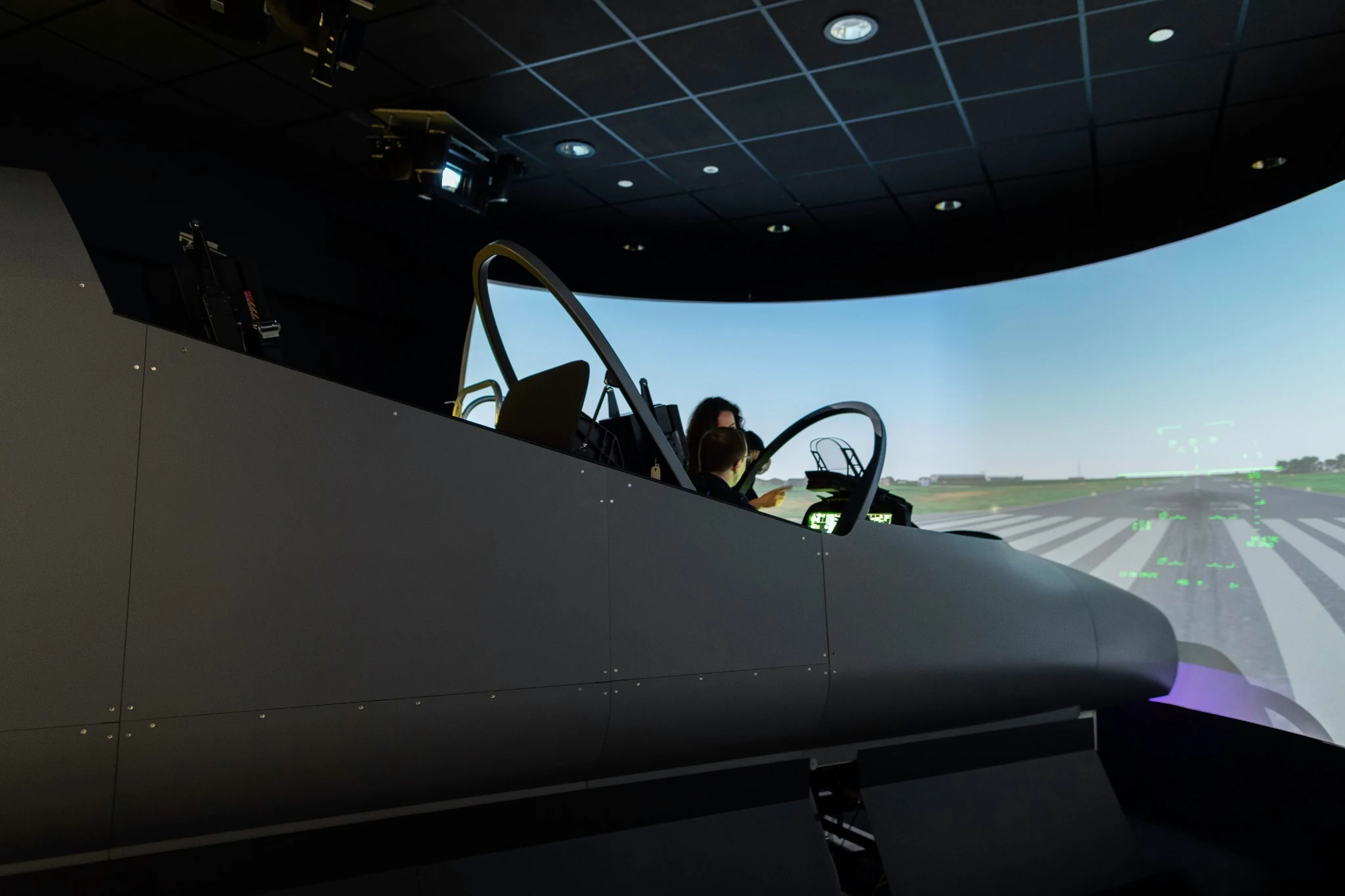
You can use Microsoft Flight Simulator, X-Plane, or Prepar3Dfor flight training with a simple plan: practice one thing your instructor hastaught, review what happened, and bring what you learned into your next lesson. Structured flight simulator training starts with knowing what you're trying toimprove. That might be catching an altitude trend sooner or getting through afamiliar checklist without losing track of the airplane.
The useful part of practicing at home is that you can slowdown and try again. The question is what you're repeating. Let's give your nextsession a purpose you can explain to your instructor.
Decide what you want to do better
Before you open the simulator, finish this sentence: “At the end of this session, I want to be able to…” If you're struggling to finish it, start with the part of your last lesson that felt rushed or confusing.
You might start with “I want to get better at flying.” Let's make that smaller. Try “I want to notice the approaching heading and begin the rollout without a reminder.” Now you know what to practice and what to look for afterward.
Bring that idea to your certificated flight instructor, or CFI. Ask which part you should rehearse and which procedure to use. If you haven't learned the maneuver yet, start with the cockpit layout andterminology. You'll get more from practicing the technique after yourinstructor introduces it.
Use a platform that fits your lesson
Already using MSFS, X-Plane, or Prepar3D? You can use thisapproach with any of them. Choose the platform and aircraft model that fit your lesson and equipment, then keep them the same while you compare attempts.Otherwise, a different flight model or control setting could explain the change you're seeing.
For X-Plane, the desktop manual covers control calibration, response curves, weather, and reusable situations. In Prepar3D, use the controls, aircraft, weather, and scenario settings documented for your installed release. In MSFS, check aircraft selection, control profiles, and assistance settings. The common goal is a repeatable starting condition, not matching menu names.
Match the simulator to the lesson
Choose a cockpit and avionics layout reasonably close to your training airplane. Before you begin, look for differences that could trip you up. Even when the aircraft name matches, the switches, avionics software, and control response may not.
Make the first session easy to repeat: daylight, good visibility, simple weather, and the same starting condition. Keep loading, configuration, view position, and controls consistent. You can add difficulty later, once you know what you want it to teach you.
If the airplane seems unusually hard to control, check the setup before blaming yourself. A duplicate pitch binding or intermittent rudder input can look like a technique problem. Also check what assistance is doing for you. If it performs the skill you're trying to practice, you won't know how much of the result was yours.
Connect FlytWERX before beginning the exercise
FlytWERX supports Microsoft Flight Simulator, X-Plane, and Prepar3D. Use FlytWERX Bridge to connect your supported desktop simulator to the iOS app. Choose the matching simulator connection and follow the current official Bridge instructions for your operating system and release. Verify pairing and select the simulator telemetry source before starting. Simulator support doesn't imply that every version, operating system, aircraft add-on, or data field is interchangeable.
Do a quick connection check before the first attempt. Are the displayed data responding to the simulated aircraft, and are you reviewing the right session? Solve that now so you don't finish a useful exercise and discover the record is missing. You can still learn from an unrecorded attempt; you'll just have less evidence to compare.
Use a short sequence of purposeful attempts
Try this suggested structure for a turns-to-heading ssession:
1. Brief the heading change, entry condition, and instructor-selected completion criteria.
2. Fly one attempt without pausing. State when you notice the approaching rollout heading.
3. Review the event. Did you recognize the cue late, begin the correction late, or continue correcting after the desired result?
4. Choose one change to test and repeat from a comparable starting condition.
5. Finish with a fresh heading assignment, then record what still needs instructor feedback.
You don't need to chase a repetition count. Three attempts are only an example. If the same error keeps happening and you can't explain it, write down the question for your instructor before repeating it again.
And yes, you can pause while you're learning. Note where you paused or needed coaching. Later, try the sequence without stopping so you can see whether you can keep up with its normal pace.
Look back at what happened
When you finish, walk back through the attempt. What were you trying to do? What changed first, when did you notice, and what did you do about it? A final heading or score gives you a place to start, but it can't explain where your attention was.
Your note might sound like this: “I reached the assigned heading but needed two corrections. On the second attempt, I called the approaching heading earlier and used one correction. I still looked down throughout the turn.” Now you've something specific to discuss, even though the final heading looked better.
Use FlytWERX maneuver review as evidence for that conversation. Keep simulated and aircraft attempts identified separately, and compare the behavior being trained rather than assuming their scores are interchangeable.
Bring what you learned to the next lesson
Bring a short practice note to the next lesson. Tell your instructor what you rehearsed, which settings mattered, and where the simulator differed from the aircraft. Ask the instructor to watch for the specific behavior during an appropriate part of the lesson.
That's where FlytWERX fits as a flight training performance platform. Use flight maneuver tracking to find the moment you want to discuss, then use a data-driven flight debrief to work through it with your instructor Student pilot progress tracking is more useful when you can see what you practiced, where you practiced it, and how much help you needed.
A desktop setup doesn't reproduce aircraft control forces, motion, or the full workload of real flight. Ordinary home practice in MSFS, X-Plane, orPrepar3D also doesn't automatically qualify for certificate or currency credit. Approved aviation training devices have specific authorization and operating conditions; see FAA AC 61-136B.
Frequently Asked Questions
Can a beginner use this method?
Yes, with a task appropriate to the learner's stage. Cockpit familiarization and a previously taught checklist may be better starting points than an unfamiliar maneuver.
Should every sessionstart at the runway?
No. If the objective is a cruise task, a suitable airborne starting point can keep the session focused. Rehearse the full departure when departure sequencing is the objective.
Does simulator success prove aircraft proficiency?
No. Your instructor still needs to observe the skill in the airplane, including its use under real workload.
For your next session, choose one assignment with your CFI. Use FlytWERX to review the attempt, and finish with a question you can take into the airplane. That's a useful place to start structured sim practice.